

How do propane companies send delivery notifications to customers?
By Bill Stomp, Founder/Editor
The office sends a push notification from its web dashboard, and it lands on the customer's phone. With Custom Fuel App, you can send it to one customer, a group, or everybody.
How do I send a notification to one customer?
From the web dashboard, open Push Notifications and search the customer by name, account number or email. Type the message, add an image if you want one, and send. The customer gets it in the app right away.
Watch it: How to Send Notifications.
Can I send one message to every customer?
Yes. Price notices, delivery notices and promo codes can go to one customer, a group, or everybody. A cold-snap notice or a holiday schedule goes out once, instead of a morning of phone calls.
Watch it: How to send notification to all customers.
What does the customer see about their own delivery?
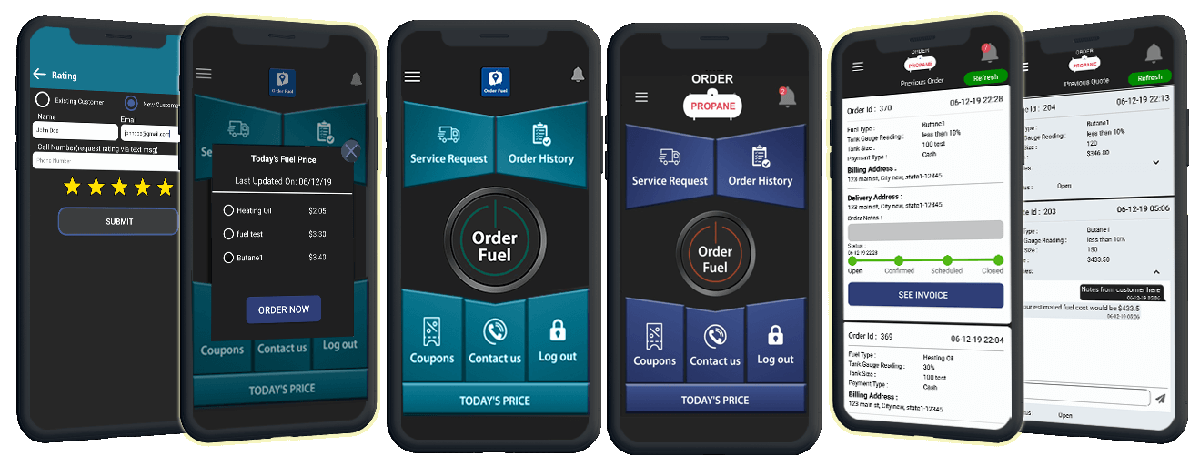
The order status: open, confirmed or delivered, updated as the order moves. That means fewer "did you get my order?" calls for your CSR. See how ordering works on propane ordering.
What does the office get notified about?
Each office user can get an email for every new app order, for card payments made in the app, and for emergencies. You turn each one on or off per user. Watch it: How to Turn on or Turn off the Users Notifications.
Keep status notes honest. Send what you know, when you know it. Only send a delivery time the truck can keep.
Frequently asked questions
How do propane companies send delivery notifications to customers?
The office sends a push notification from its web dashboard, and it lands on the customer's phone. With Custom Fuel App, you can send it to one customer, a group, or everybody.
Can customers see their delivery status in the app?
Yes. The order shows open, confirmed or delivered, updated as the order moves.
Talk to us: Call 610-228-0887 or book a demo. We will send a notice from the dashboard to a phone while you watch.