

How do fuel customers pay in a branded app?
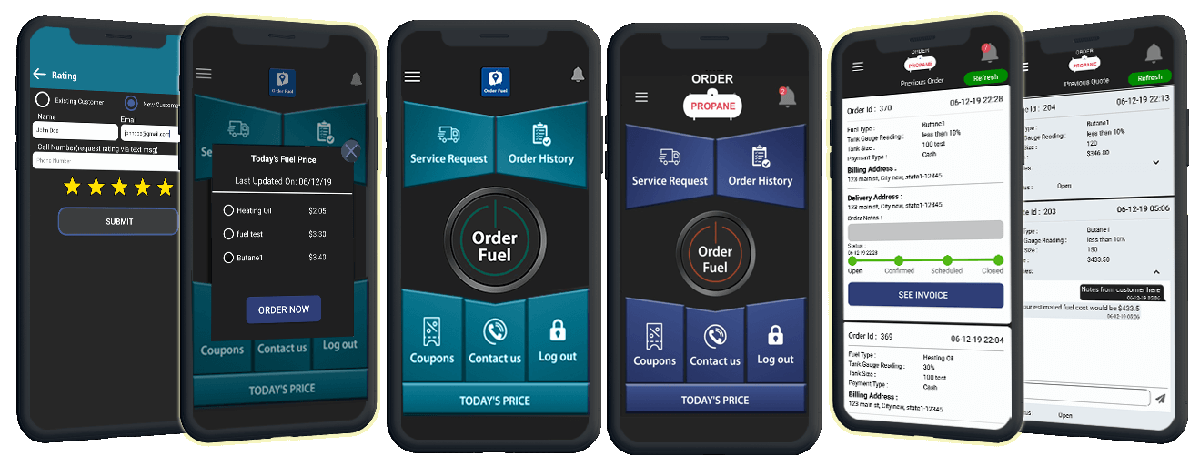
They pick a payment method you have turned on in your branded app, including integrated credit cards. The order and the payment choice land on your office web portal. You control which options each customer sees. Custom Fuel App is that branded app for fuel delivery companies.
What payment options can the customer see?
The ones you turn on. The product already includes integrated credit card payments and more than one payment option. You can customize payment options per customer. Those are existing setup guides on this site, not new claims.
Customers can also use a coupon if you create one in the dashboard. Offers come from you, under your brand. They do not come from a generic marketplace.
This page will not quote a processing rate, a dollar figure, or a card-brand fee. Those are contract terms, not marketing copy.
What does the office see?
The order, with the payment method the customer chose, on the web portal. You can manage the order, message the customer, and update status without a second phone call about the card.
If a customer prefers the browser, the web ordering portal is the desktop companion. Same idea: your brand, your order, your record.
For the full order flow, not only pay, read how fuel customers order from an app.
Who is this for?
Fuel company owners and office managers who want customers to pay without dictating a card number over the phone. The buyer is the fuel company. The person who pays is their customer. Keep those two jobs straight.
This is not a driver app and not a tank monitor. To see a payment option on a branded screen, request a demo or call 610-228-0887. More questions: Answers.