

Custom Fuel App · How it works
Four things land on you. We do the rest.
Your logo, your colors, your company name on both app stores. No developer on your side and no App Store account of your own — about 4 weeks from kickoff to launch in the typical case.
Get a Free Demo or call 610‑228‑0887 and we’ll walk your operation through it.
The work order
Who does what
Six lines from the first call to a live app in both stores. Yours is the short column — that is the whole point of a white‑label build.
-
01 Day 0 Kickoff callYou
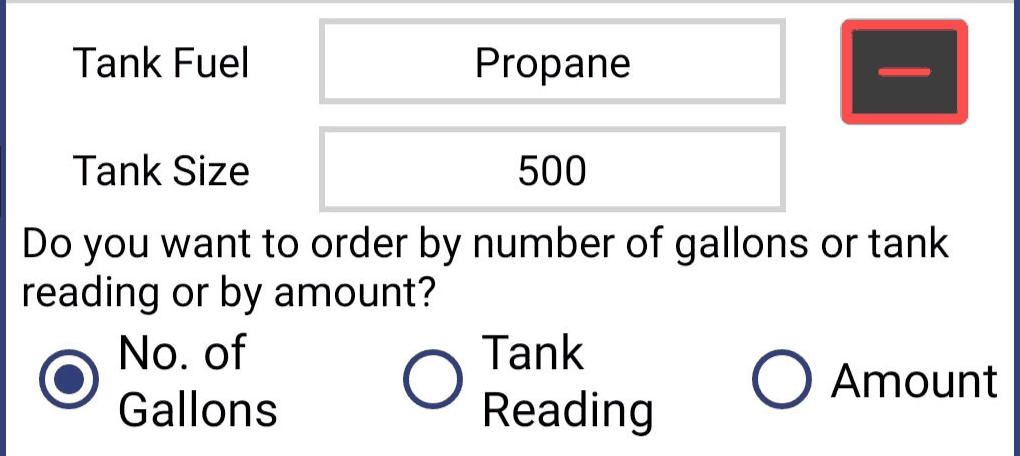
Logo, colors, one photo, and which ordering options to turn on.Fill‑up · number of gallons · tank reading · dollar amount
UsWalk your operation with you, confirm the fuels you deliver, the fee and pricing rules you run today, and the payment processing you already use. We set the build schedule and own it from here.
-
02 Week 1 Your app, designedYou
Look at the screens once. Approve them, or mark up what is wrong.
UsDesign the app around your brand — your logo on the home screen, your colors through every screen, your company name on the store listing. iPhone and Android from the same build.
-
03 Week 2 Office side wired upYou
Send your fuel types, your current pricing and your fee rules. A spreadsheet is fine.
UsLoad pricing, fees, taxes and coupons; connect credit‑card payments; set up push notifications; and stand up the web dashboard your office will work in. Orders dispatch to your drivers through TankSpotter.
-
04 Week 3 Both app storesYou
Nothing. No developer, and no Apple or Google account of your own.
UsPrepare the listings, submit to the App Store and Google Play, answer the review questions, and secure your company name on both stores before somebody else in your market does.
-
05 Week 4 LaunchYou
Tell your customers it exists. Your CSRs mention it on the phone; it goes on the invoice.
UsPublish both listings, hand you the download links and store badges, and train your office on the dashboard so the first orders land where they should.
-
06 Ongoing After launchYou
Post price changes and answer customer messages — in the dashboard instead of on a call.
UsHost the app and the dashboard and keep them running. Keep both store listings current as Apple and Google change their rules, and ship the updates that keep the app installable on whatever phone your customer buys next. Watch the orders come through, and pick up when your office calls.
Add up the left column: a logo, a color, a price list, and one round of approval. That is the exposure.
Before your demo, review what to prepare for your branded fuel ordering app: logo and colors, fuel list, ordering choices and office responsibilities.
The customer side
What your customer sees
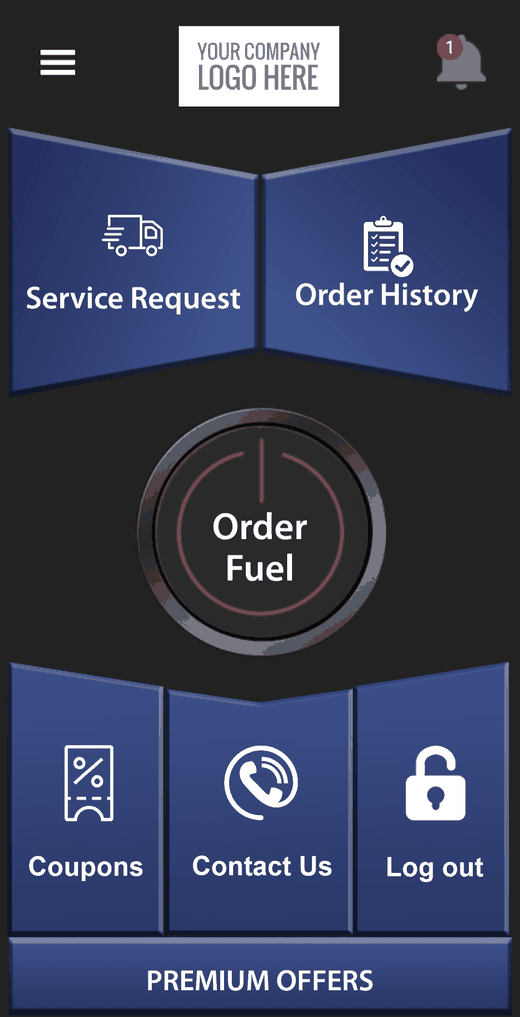
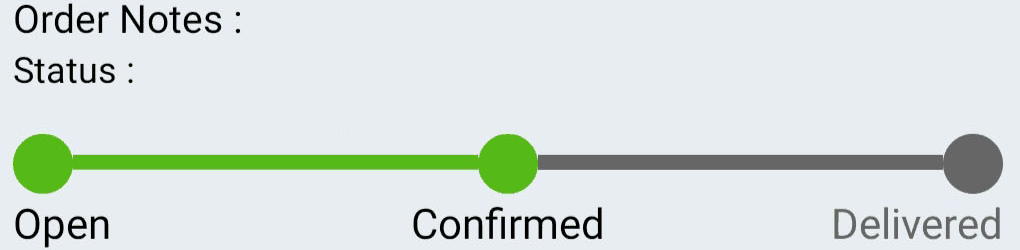
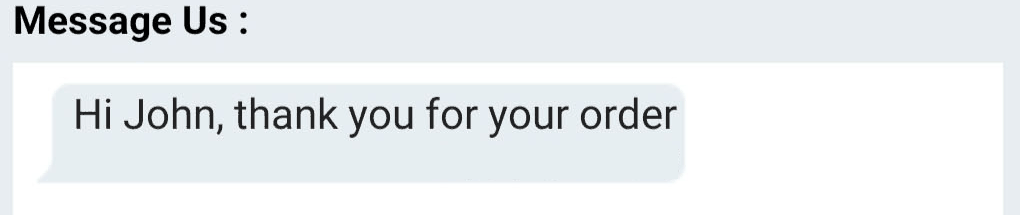
Real screens from the app, enlarged so you can read them on a desktop. The panel at the top of the home screen is where your logo goes; everything under it is what your customer works with.
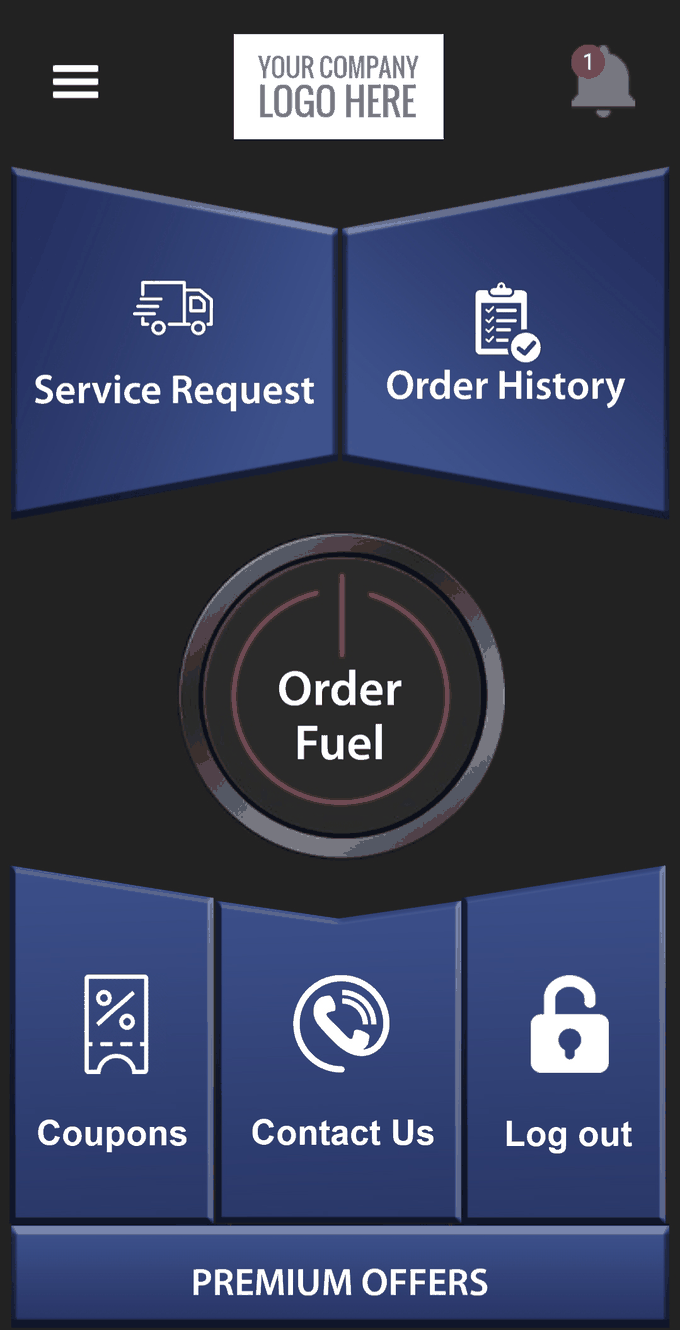
- Service Request — a service call raised from the same app.
- Order History — every past order, with what it cost.
- Coupons — the offers you send, sitting in their pocket.
- Contact Us — your office, one tap from the home screen.
The office side
What you see
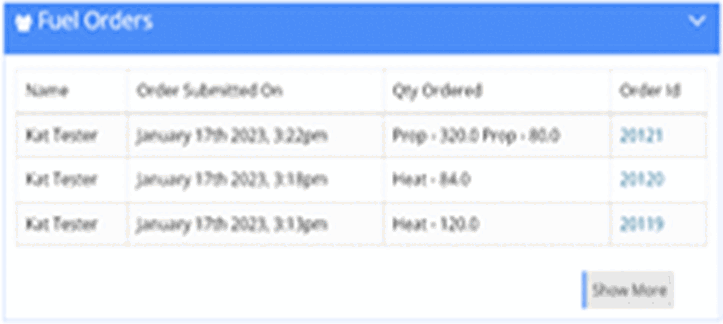
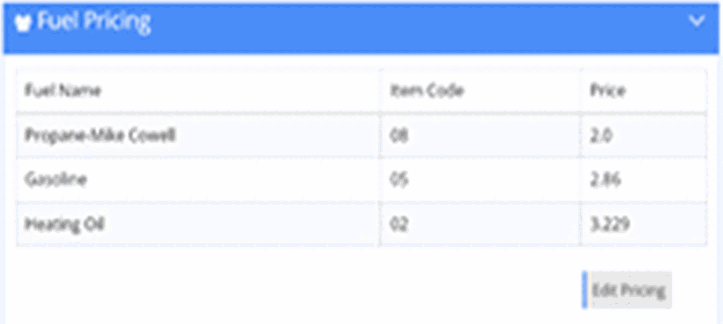
The same web dashboard your office logs into on day one — orders, pricing, customers and messages in one place. Two of its panels, enlarged.
In the browser
Nothing to install on the office machines. Orders land here as customers place them, priced with the rules you already run, ready to dispatch.
Your CSRs keep doing the job they do now — they are just not writing the order down while somebody reads a tank gauge over the phone.
-
 Admin dashboardRegistered users, fuel quantity ordered and fuel quantity delivered, at a glance.
 -
 Manage fuel pricesAdd and manage prices for propane, diesel, heating oil, cylinders and medical gas.
 -
 Manage deliveriesDispatch orders from the command center to your drivers, who fill through the integrated TankSpotter app.
 -
 Push notificationsSend a message to one customer or to everyone — a price change, a route day, a storm notice.
 -
 Manage feesDelivery, minimum‑order, out‑of‑fuel and additive fees, set the way you already charge them.
 -
 Manage paymentsMonitor and review every payment taken through the app.
~300Active residential accounts
- No developer required. Nobody on your payroll writes or maintains anything.
- No App Store account required. We handle both store submissions and the review questions.
- About 4 weeks from kickoff to launch in the typical case.
Straight answer
“We’re too small for this.”
Below roughly 300 active residential customers, a branded app is usually early: not enough order volume moves to it to change how your office spends its morning. At about 300 and up, the routine orders start arriving through the app instead of the phone, and your CSRs get the day back for the calls that actually need a person.

An NPGA member company, veteran owned and operated, in Pottstown, Pennsylvania.
Go deeper
By fuel, by workflow
- Propane orderingBulk LPG and cylinders, ordered from the app
- Diesel & heating oil orderingThe same build, set up for liquid fuels
- Compressed gas orderingCylinder and medical gas customers
- Fuel on demandOrdering without a standing schedule
- Schedule fuel deliveriesDispatch and delivery scheduling
- Duty to warnGetting the safety notice in front of customers
- Web Ordering PortalA separate product — ordering from a browser, not the app
- In the newsWhat we have shipped and where we have been
- Easy Order Appgetpropanenow.com
- Custom Fuel App & TankSpotter deliverytankspotter.com